
X-Plane
SimCortex connects to X-Plane 12, detects the loaded aircraft where available, sends supported voice commands, and exposes status information that the assistant can use during flight.
What The Client Can Do
- Route natural-language voice commands to X-Plane actions.
- Answer chat questions while you fly.
- Use grounded X-Plane and stock-aircraft knowledge where source material exists.
- Report status queries for aircraft with a prepared reference.
Aircraft Reference
Start with X-Plane aircraft support, then open the aircraft page for Commands and Status Queries.
Status Monitoring
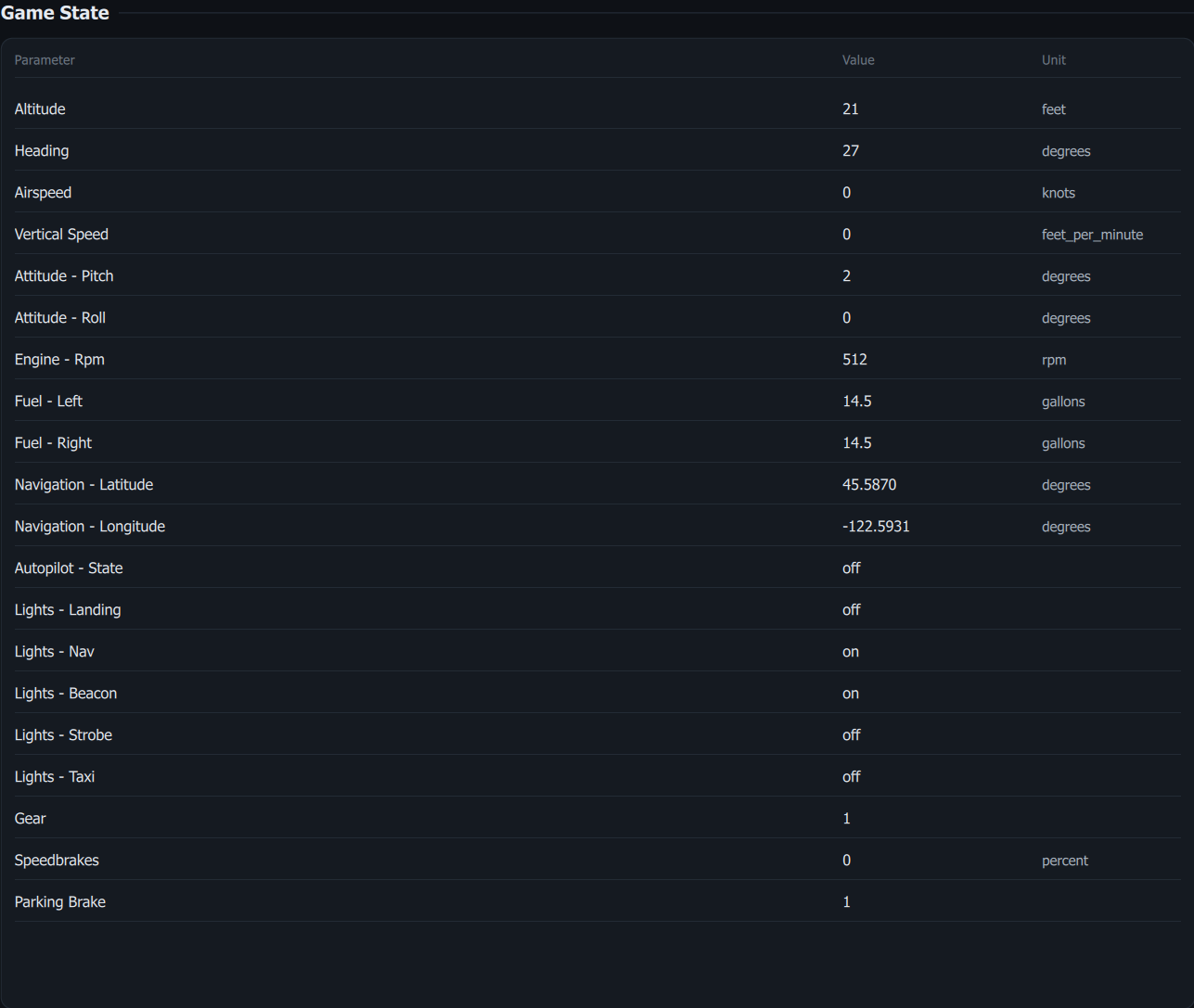
When the client is connected to X-Plane, the Game State panel shows live flight state read from the simulator: altitude, heading, airspeed, engine, fuel, lights, gear and more where supported. You can also ask for these values by voice; see the per-aircraft status reference linked from X-Plane aircraft support.
Chat And Knowledge
Use Chat for natural-language interaction and AI Knowledge for the grounded information sources the assistant can use. Knowledge coverage expands as more source material is prepared.